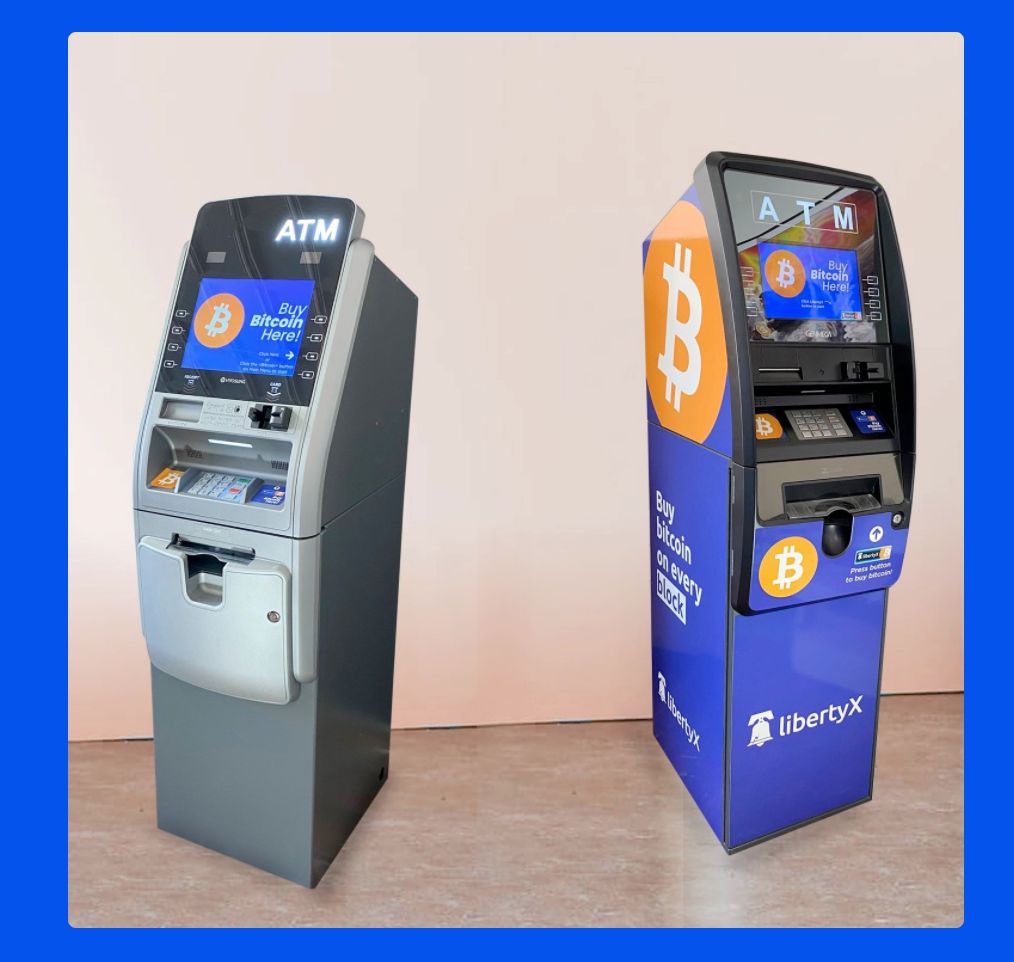
If you need more information submit a ticket here -: 5thfloordmv Support
Click Below for payment info to be displayed
To pay with Bitcoin, you will need to purchase it from Coinbase.com or localbitcoins.com. We will provide you an address to send the bitcoins to at checkout.
To pay using Zelle:
- ACCESS ZELLE®: Enroll your email or U.S. mobile number through your banking app or with the Zelle app.
- Pick a person to pay: Enter the recipient's preferred email address.
- Choose the amount: Enter the amount to send.
Send payment to our payment processor's email address provided during checkout. Then, supply your details and confirmation number to verify your payment.
If you need more information, submit a ticket here -: 5thfloordmv Support
Summary: This guide provides instructions on using the LibertyX app to exchange cash for Bitcoin. Follow the steps below:
Step 1: Download the LibertyX app
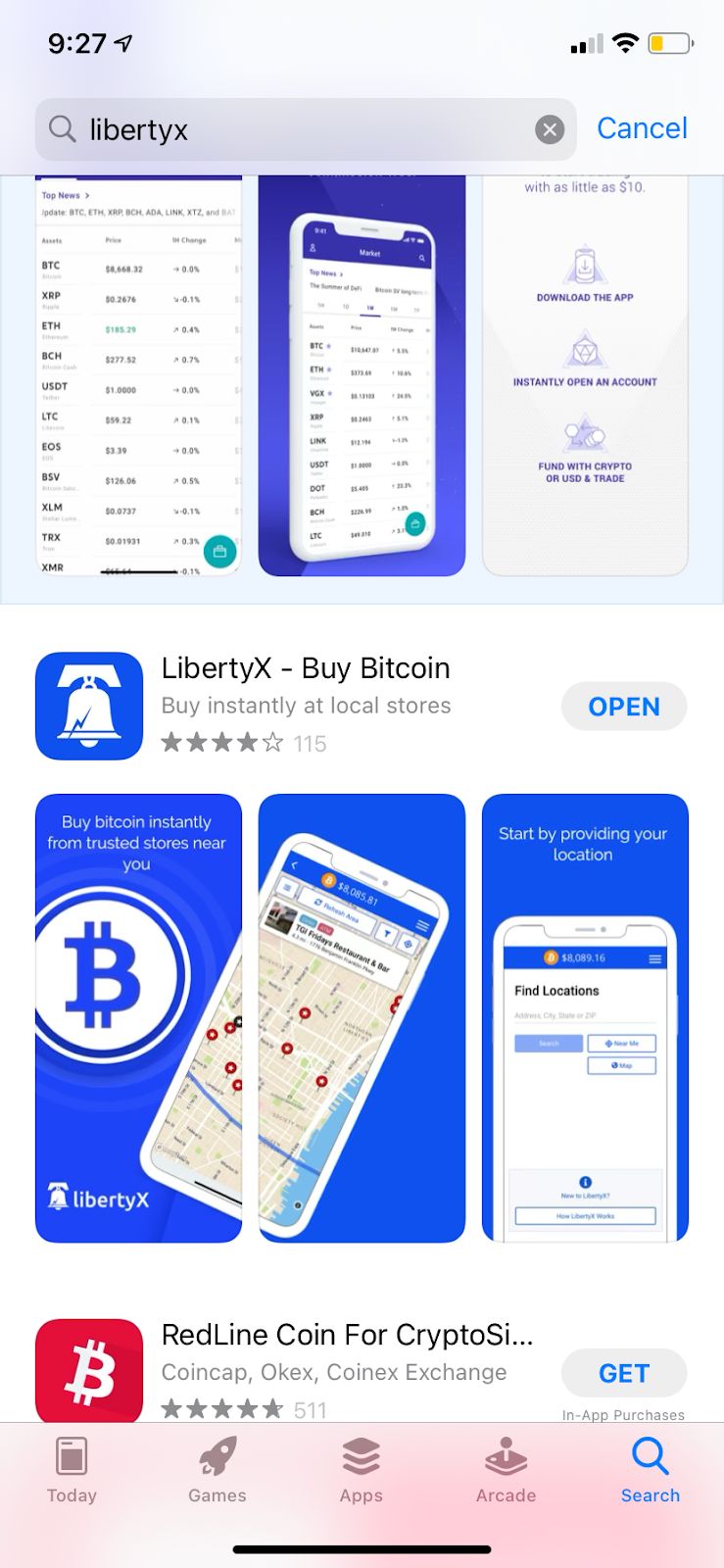
Step 2: Locate the LibertyX app on your phone
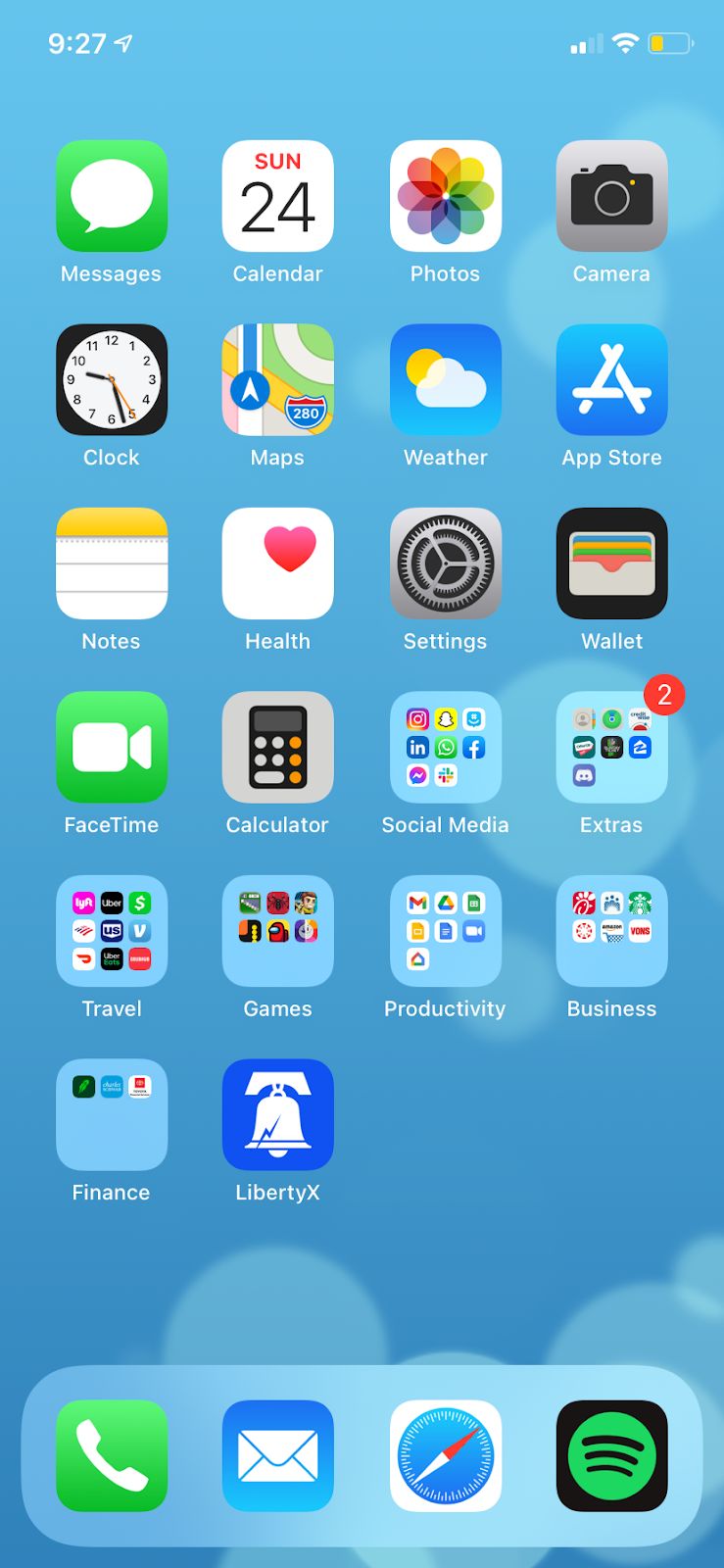
Step 3: Access the app and begin the process
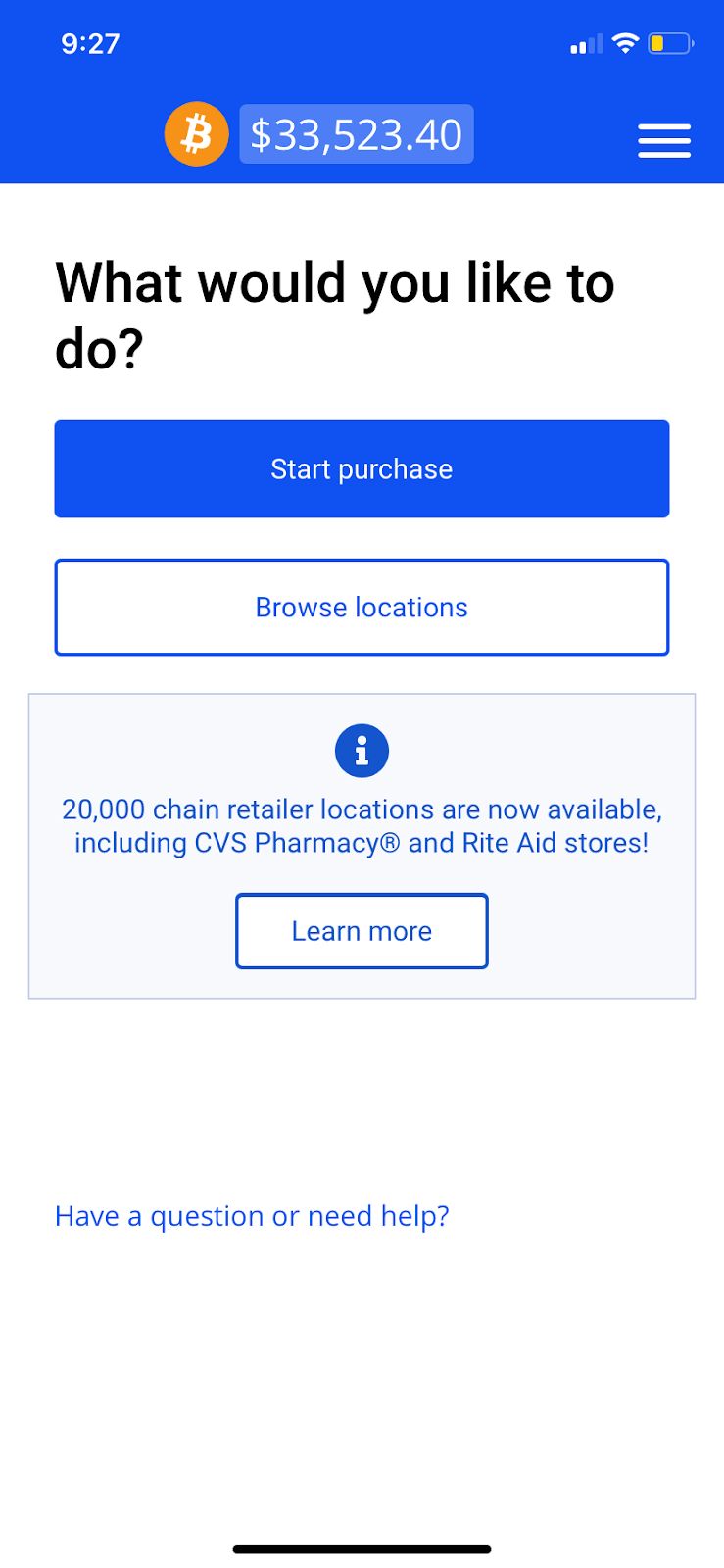
Step 4: Find a location to purchase Bitcoin
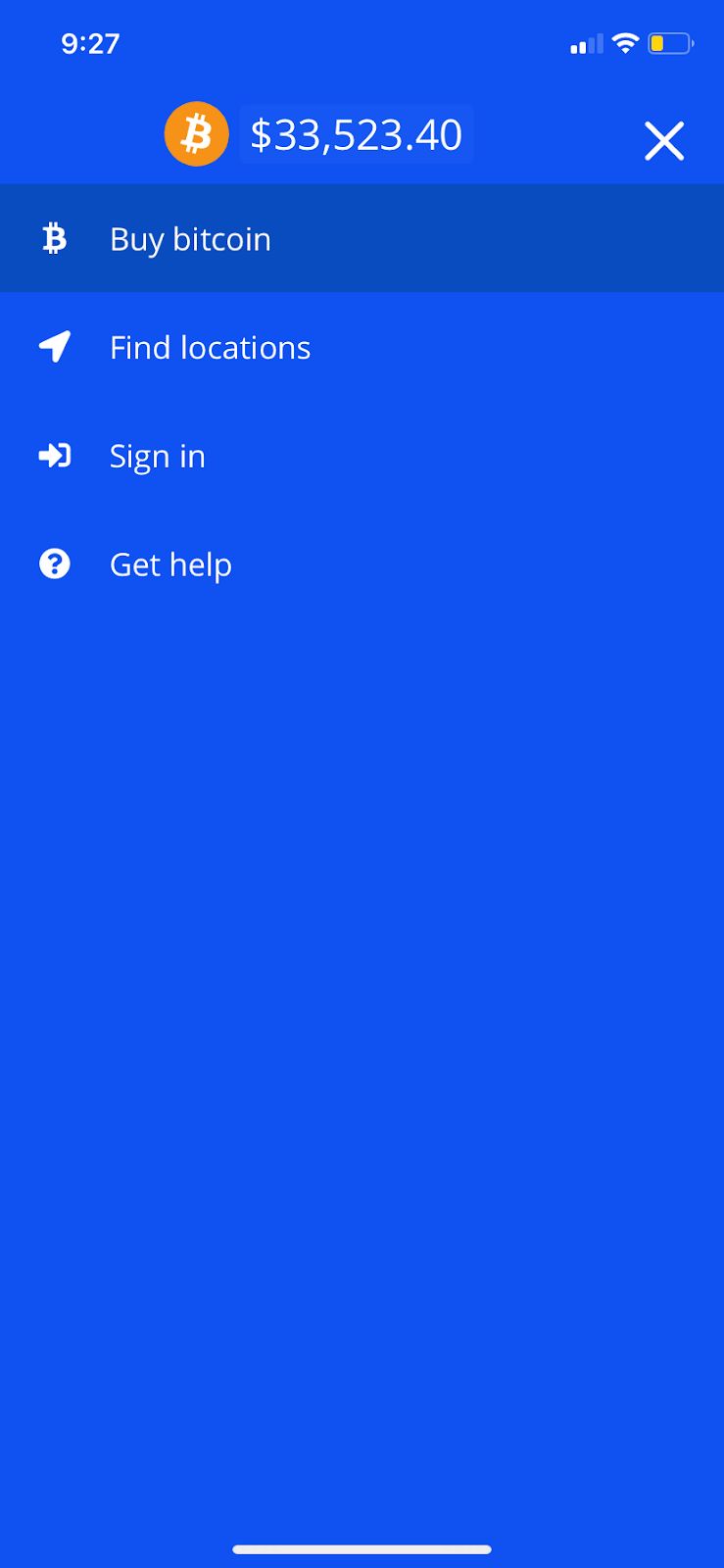
Step 5: Sign in and create an account
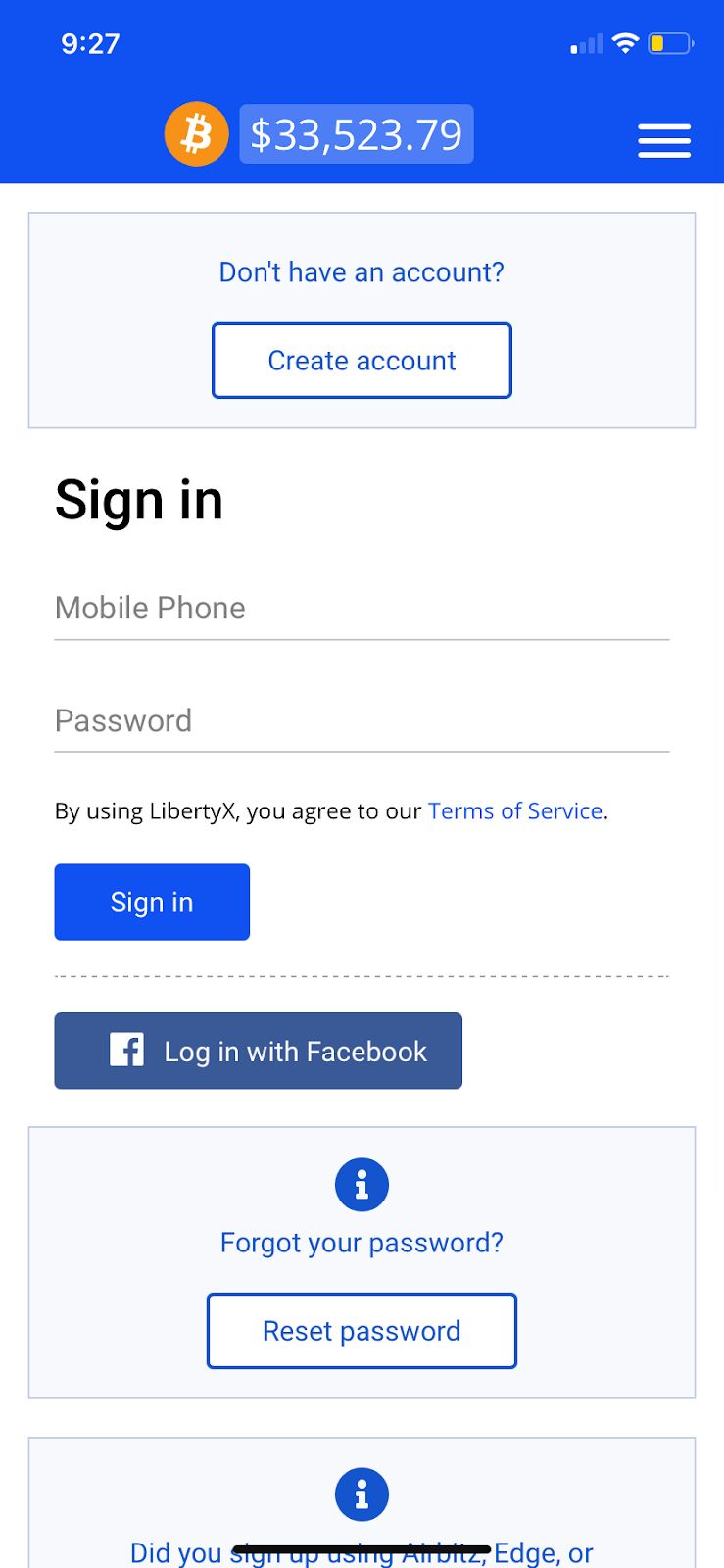
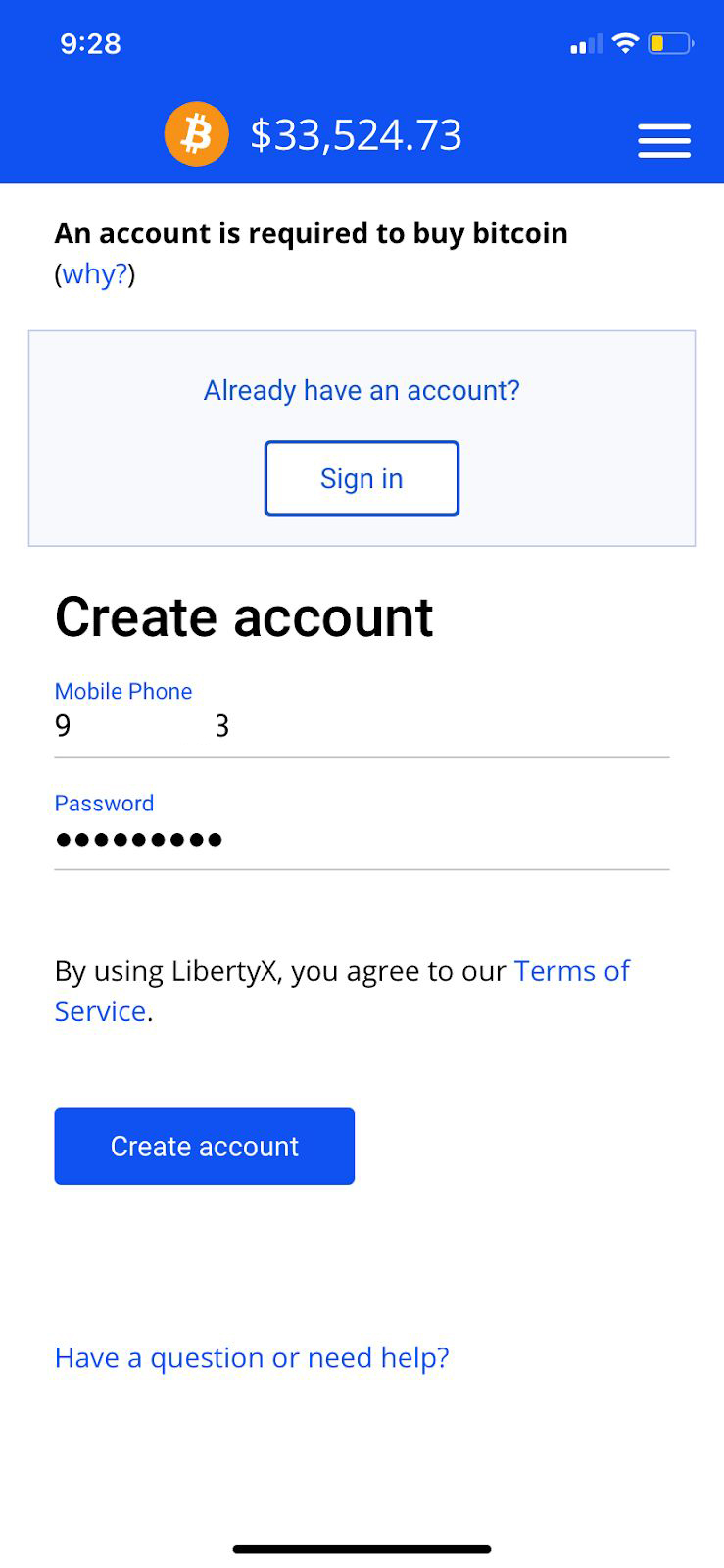
Step 6: Set up your account with a phone number and password
Step 7: Search for nearby locations
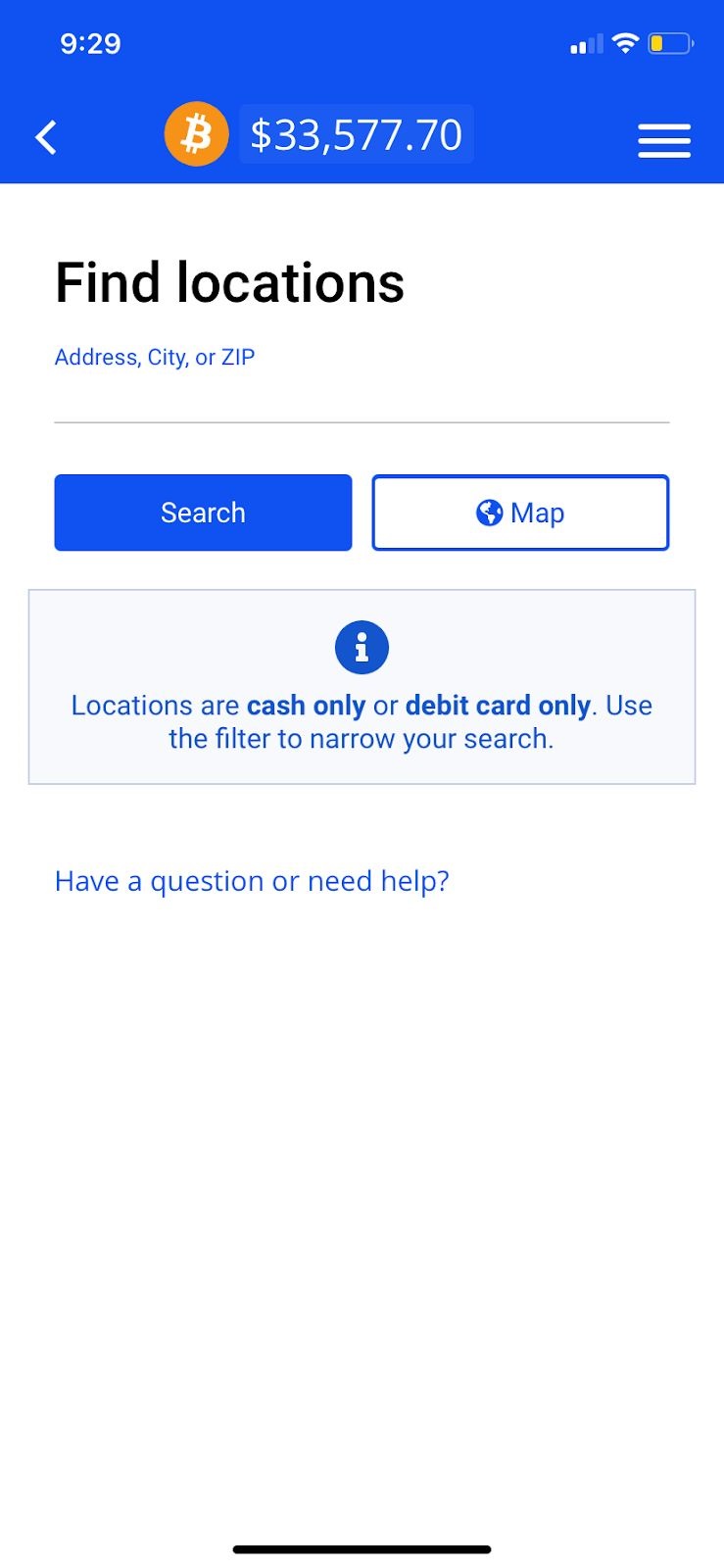
Step 8: Purchase Bitcoin at a nearby store
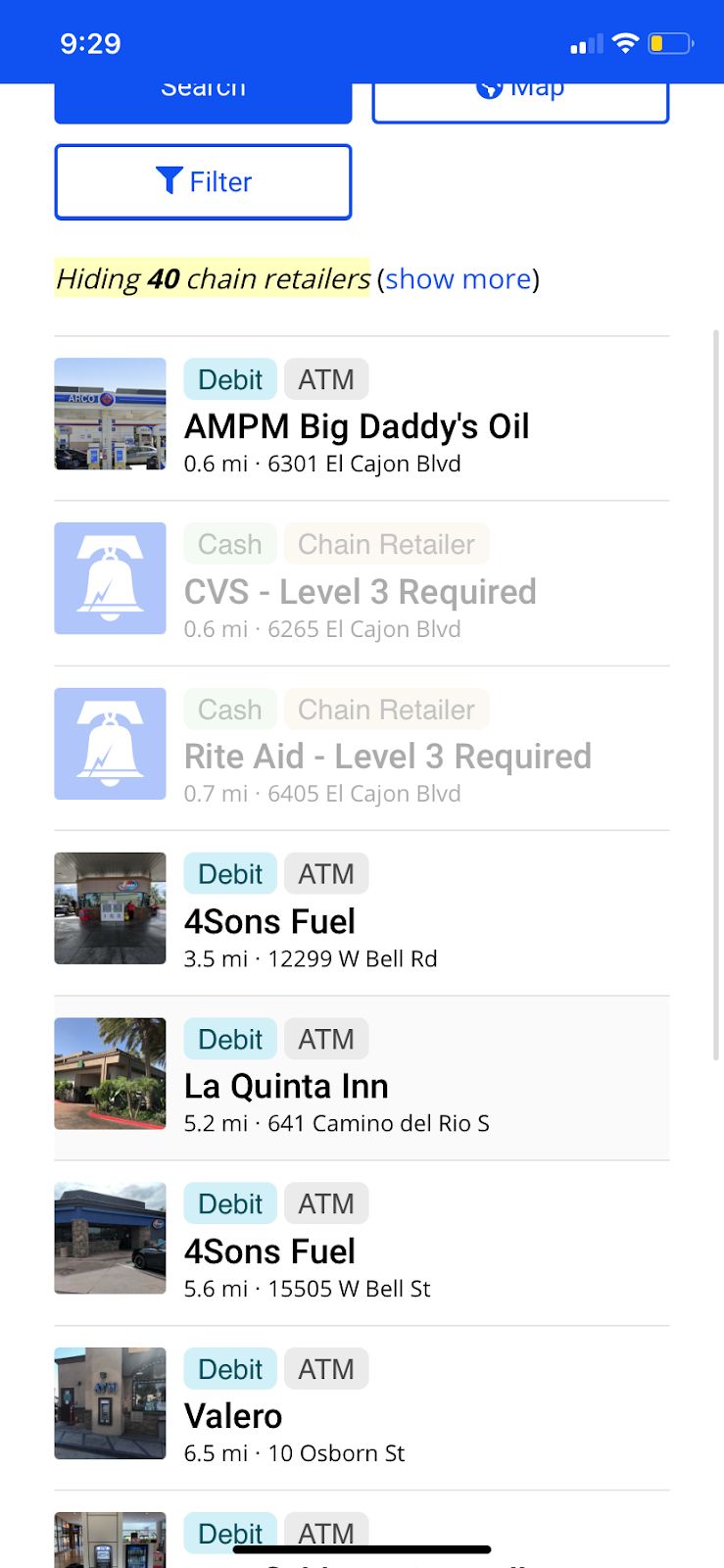
Step 9: Review your transaction
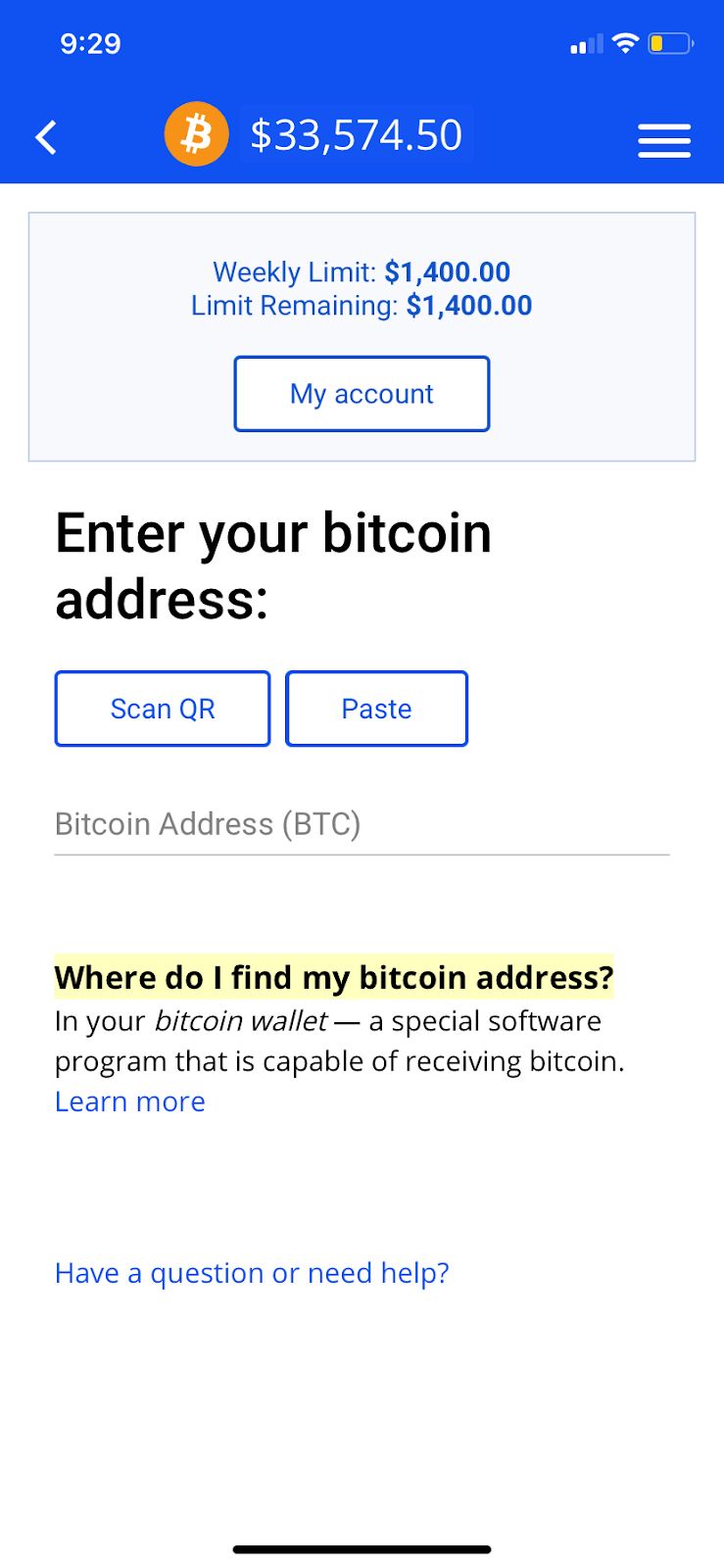
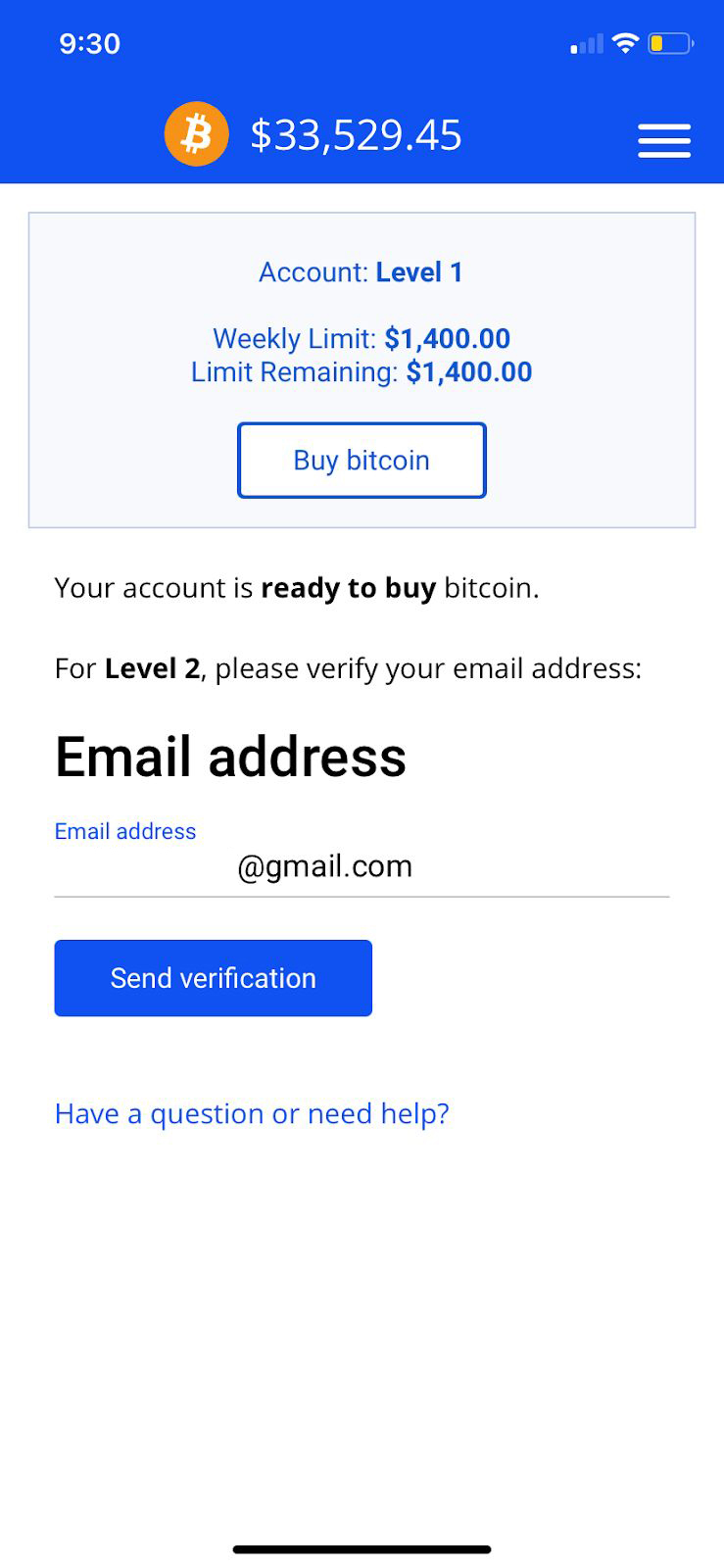
Step 10: Verify your email and identity
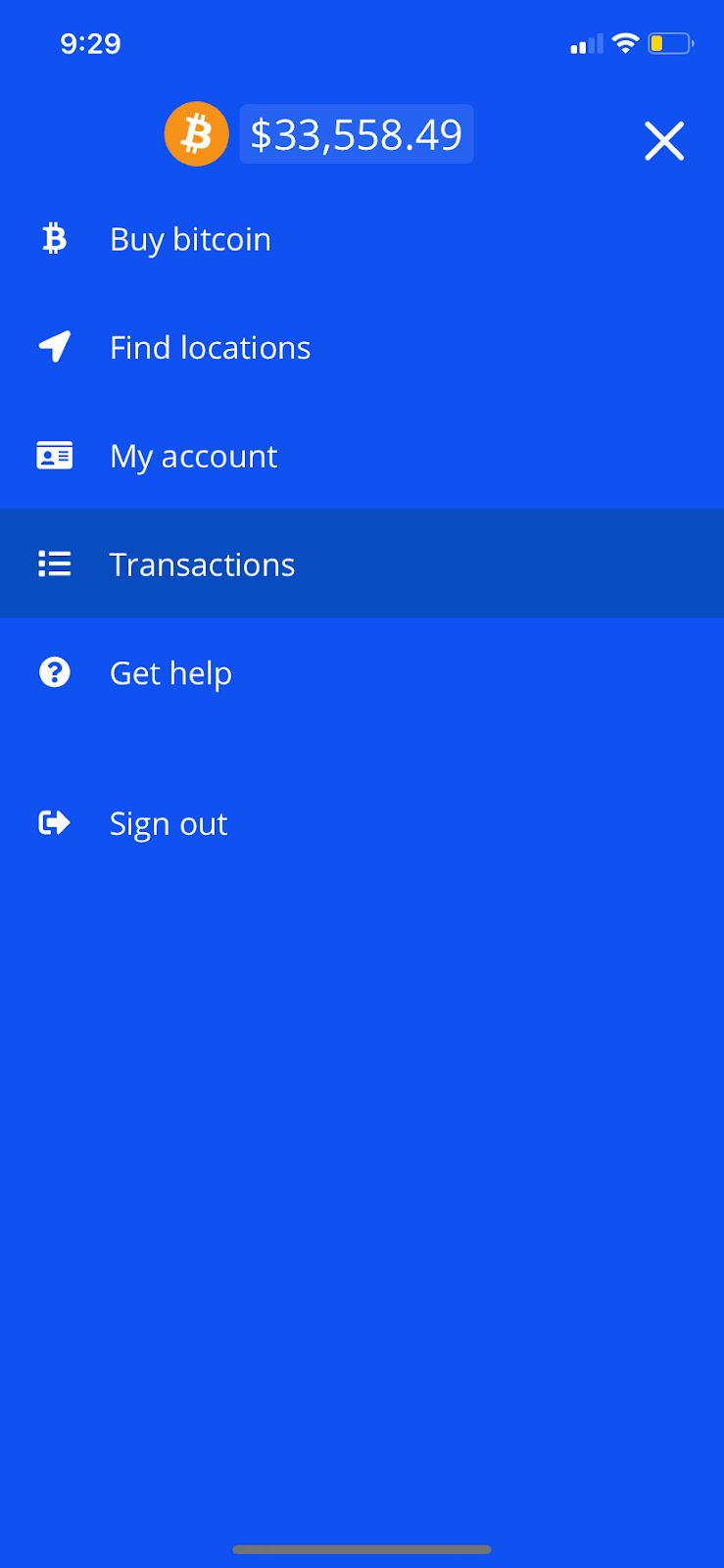
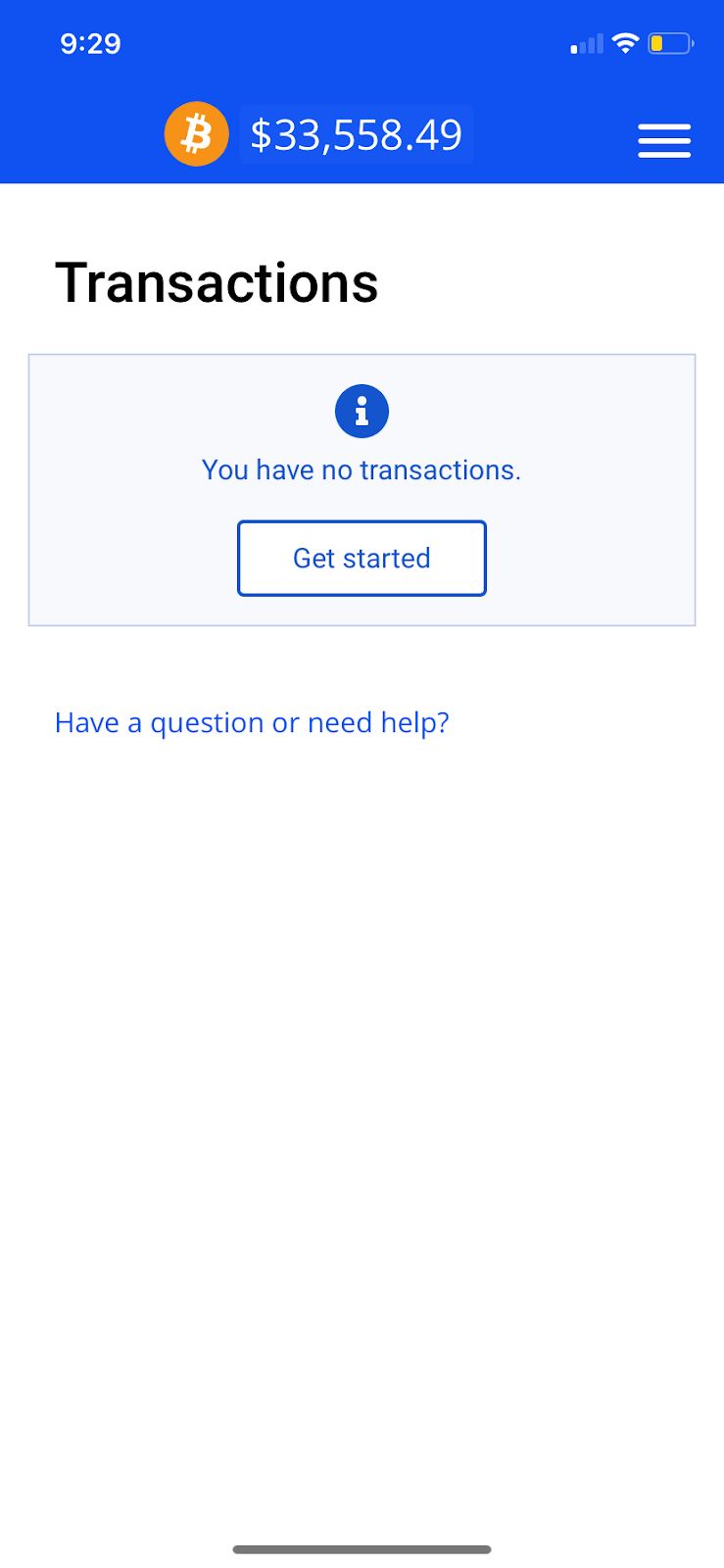
Step 11: Expect to scan a barcode at the store to complete the purchase
After completing the transaction, your Bitcoin will appear in the app, and your transaction history will be recorded for future reference.